About Small Text and Thin Lines (Hairlines)
Creating Data
Text Size & Line Weights
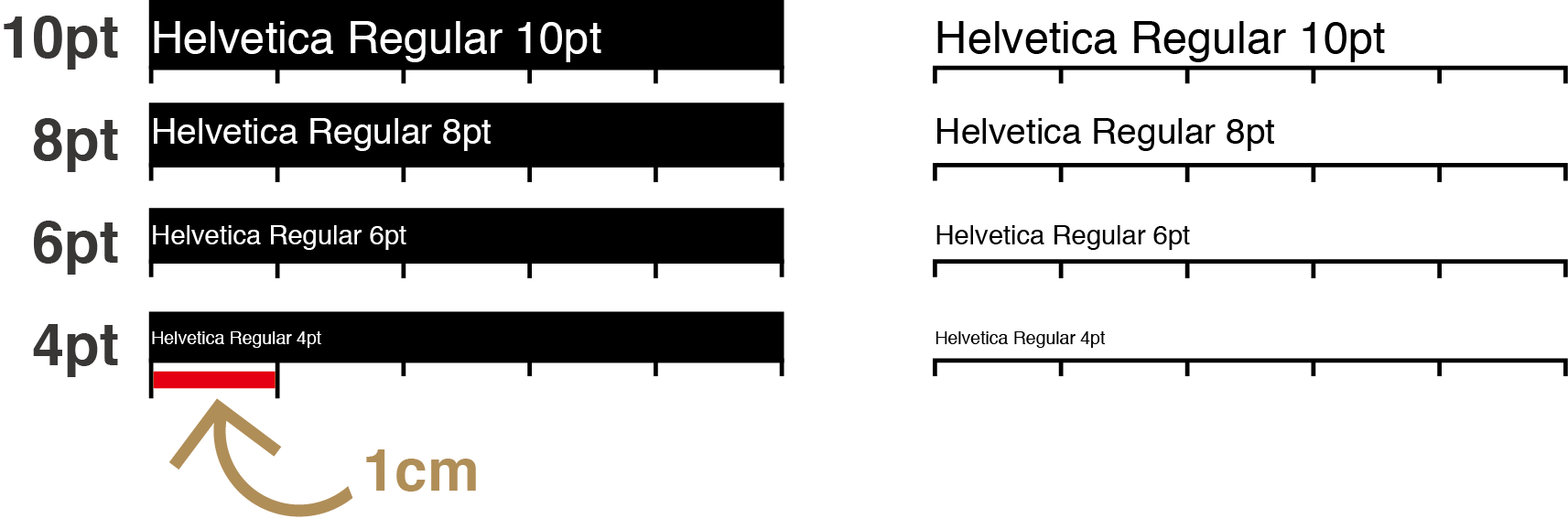
Minimum recommended text sizes for printing
The smallest readable text size can vary depending on the printing method, paper type, and font. As a general guide:
Normal text (e.g., Mincho, Gothic, standard sans-serif or serif fonts)
- Recommended minimum size: 6 pt or larger
- Smaller sizes may blur or fill in due to ink spread, making them hard to read.
Thin fonts or “knocked-out” text (white text on a colored background)
- Recommended minimum size: 7–8 pt or larger
- Thin strokes and reversed text are more sensitive to ink gain and can disappear or break.

Important note: Even if text looks legible on screen, extremely small sizes such as 4 pt or 5 pt often become unreadable when printed. Always check sizes carefully if you are using very small text.
What is “pt” (point size)?
“pt” (point) is a unit used in printing and page layout to specify text size.
K100%
1 pt = 0.3528 mm
12 pt = approx. 4.23 mm, which is a typical reading size for business documents.
1pt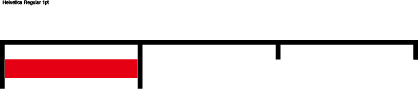 1cm
1cm
1cm Please note: Point size represents the height of the type’s design space, not the exact printed shape. The actual visual size can differ depending on the font family, style, and its built-in metrics.
About Very Thin Lines (“Hairlines”)
Hairlines may not print at all. In professional printing, extremely thin lines—often called hairlines—cannot be reproduced reliably. Even if they appear on your computer screen or print correctly on a home printer, they may disappear completely on an offset press.
For this reason, please do not use hairline settings in your artwork.
Recommended minimum line weight
Lines thinner than 0.25 pt may print extremely faint or may not appear at all. Very thin strokes below 0.1 pt are almost guaranteed not to print.
To ensure the line is visible and stable when printed, we recommend setting all lines to at least 0.25 pt. Hairline settings or ultra-thin lines are outside our data-check scope and cannot be guaranteed.
What is a hairline?
A hairline is an object drawn with an extremely thin stroke that is technically defined as “filled” or “no stroke width” inside some design software.
These lines:
- Can look fine on screen
- May appear when printed on a home inkjet or laser printer
- But do not transfer correctly to offset printing, where ink, plates, and paper behavior differ from desktop devices
Setting proper line weight in design software
When you assign a color to the stroke of a path, you can also set a specific stroke width. Please check this value during your design process.
Avoid extremely thin strokes below 0.1 pt
Use 0.25 pt or thicker for reliable printing results
Ensuring proper line weight will help prevent missing or broken lines in the final printed product.
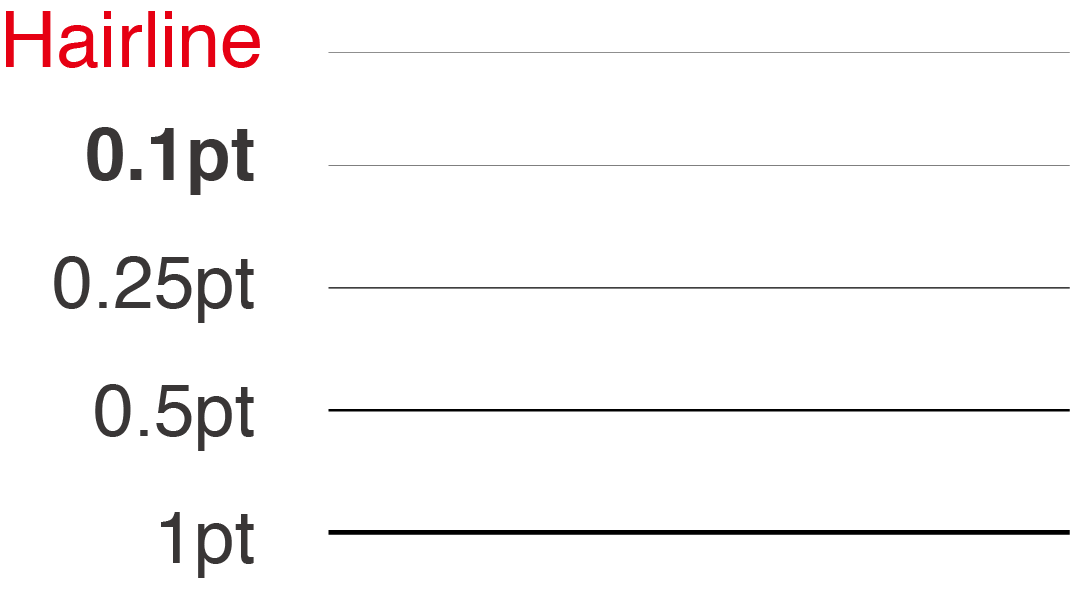
Because of these limitations, they should be avoided for any design element that must be visible.



